Choose your Beadographer version
Beadographer 5
Beadographer
A simple, powerful beading app
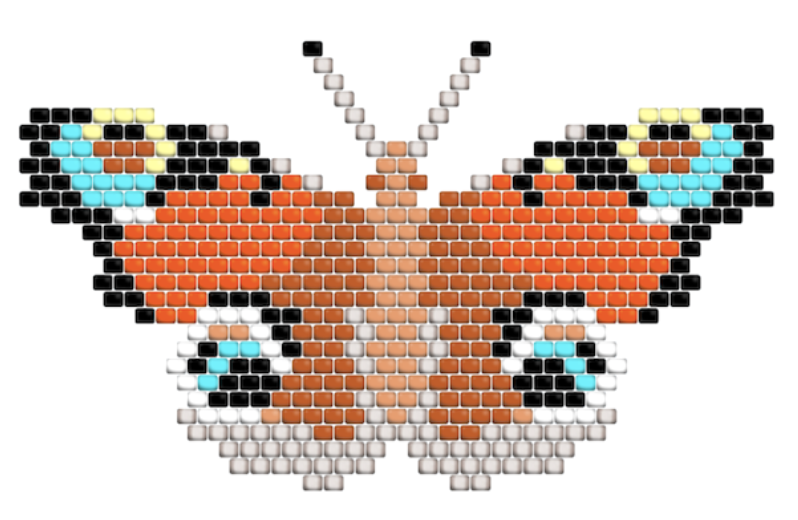
Beadographer lets you create your own bead patterns inside your web browser (no download needed).
It comes in both a fully featured free version and a membership version for just $14.99 / year.
What can I make?
17 different layouts are included, with more in development...
- Bead loom and tapestry
- Peyote stitch
- Brick stitch
- Herringbone, Right-angle weave, Fringe earrings
- Peyote triangle, warped square, and star patterns
- Plastic fuse bead designs
- Medallion and huichol patterns
Check out this video to get a taste of what is possible...
The app also comes with powerful tools such as photo conversion, bead libraries (including Miyuki, TOHO, and plastic fuse beads), inventory management, and transform tools.
The app is developed for Windows, Mac OS X and iPad. You may encounter errors when trying to use it with other devices. We recommend using Chrome with Beadographer.
Try it out now by clicking Launch App below.
Free v. Membership — which is right for me?
Free version
The free version is a fully functioning app with no ads, and no upgrade messages. You can use the free version without registering or logging in.
You can use the free version to design projects from scratch, then bead them with the beading tool. You can save the output using screenshots of your work.
We recommend the free version for:
- Smaller projects
- Personal projects
- One-off projects
- Exploring and learning Beadographer
Membership version
Membership makes sense if you:
- Design larger projects (that need multiple sessions to design)
- Share or sell your patterns
- Need word charts and bead lists (included in the PDF exports)
- Want to save your patterns for future editing
- Want to load custom palettes and track inventory